{ Objects }
Use the right and left arrow keys!
created by Paula Bannerman
www.dcartist.com
BREATHE
Objects:
- they another data type like strings and numbers
- they are variables too, but can contain many values
- they can store various other data types like booleans, strings, array, other objects, as well as functions which are called methods
- unlike an array it's an unordered collection of key-value pairs
- an object has properties associated with it
- a property name is called a key
- you have a value to go along with that key
How to think about object's Key Value Pairs?
think of it as a dictionary
Defintion: Meaning
Key: Value

- Species: Mouse
- Weakness: Ground
- Ability: Static
-
Height:
40 centimetres (1 ft 4 in)
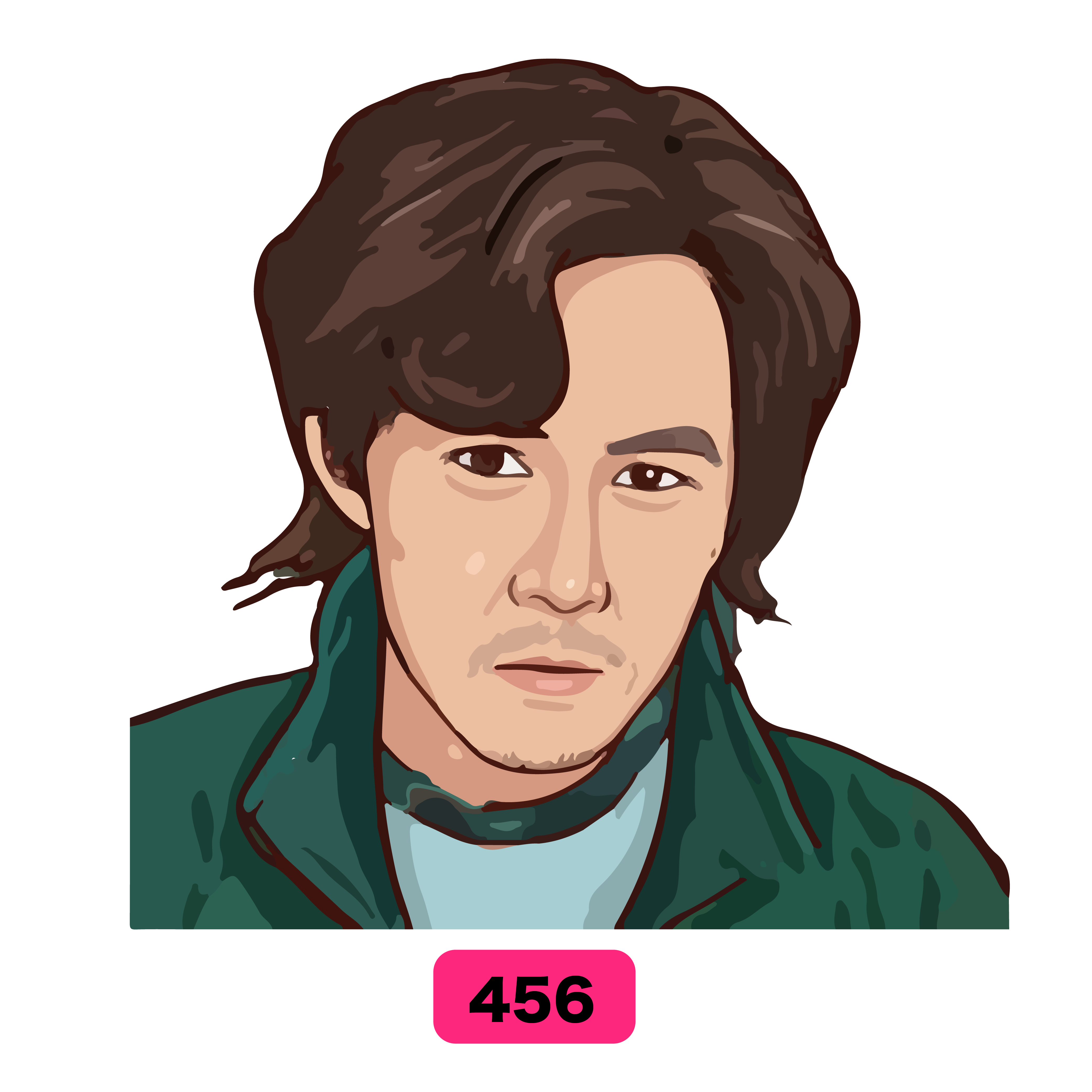
- Player: 456
- Marital Status: Divorced
-
Birthday:
October 31, 1974 - Job: Indebted chauffeur
-
Previous Job:
former assembly worker
Objects in the wild
that you might have dealt with
document.querySelector(".myclass")
document.getElementById("myDIV").style.display = "none";
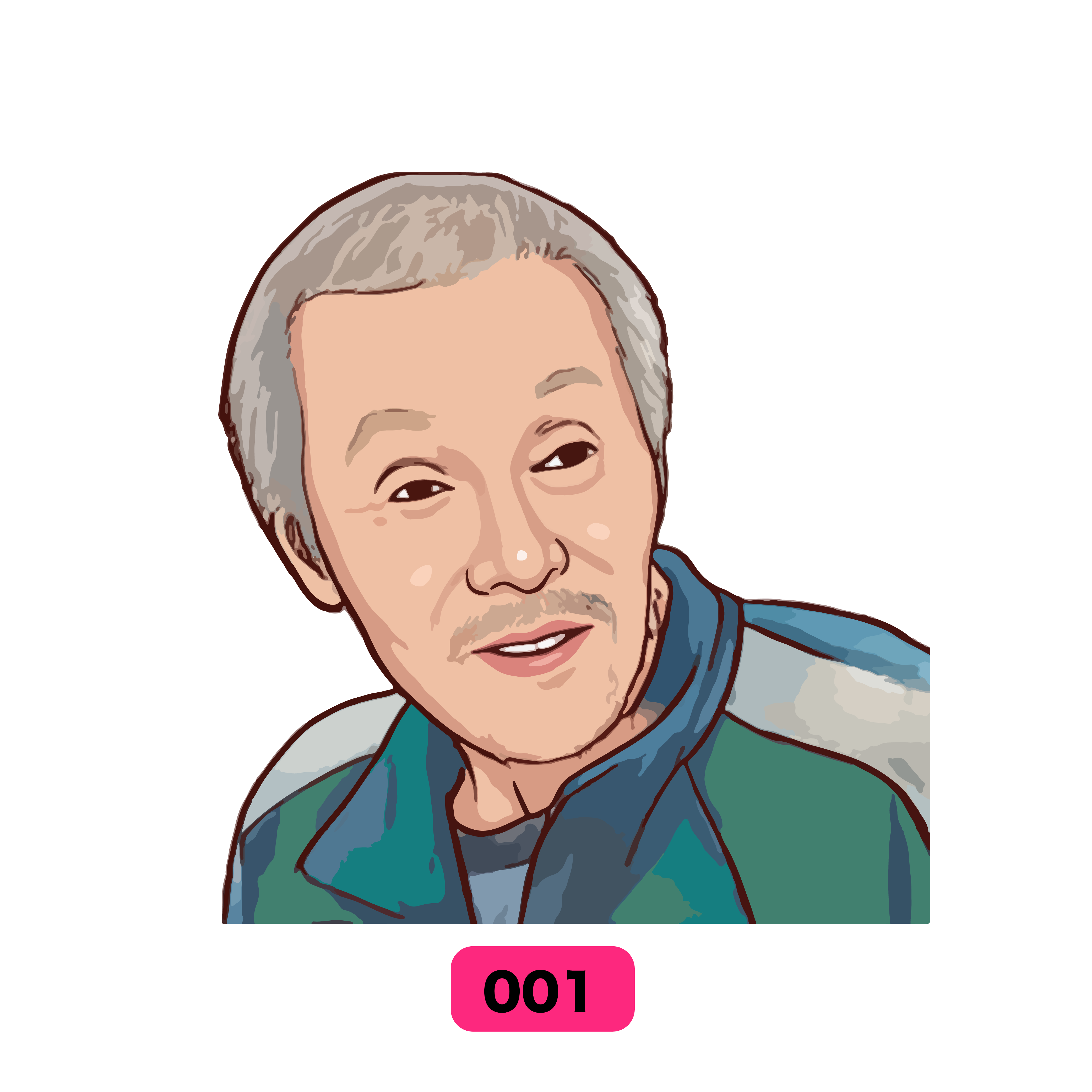

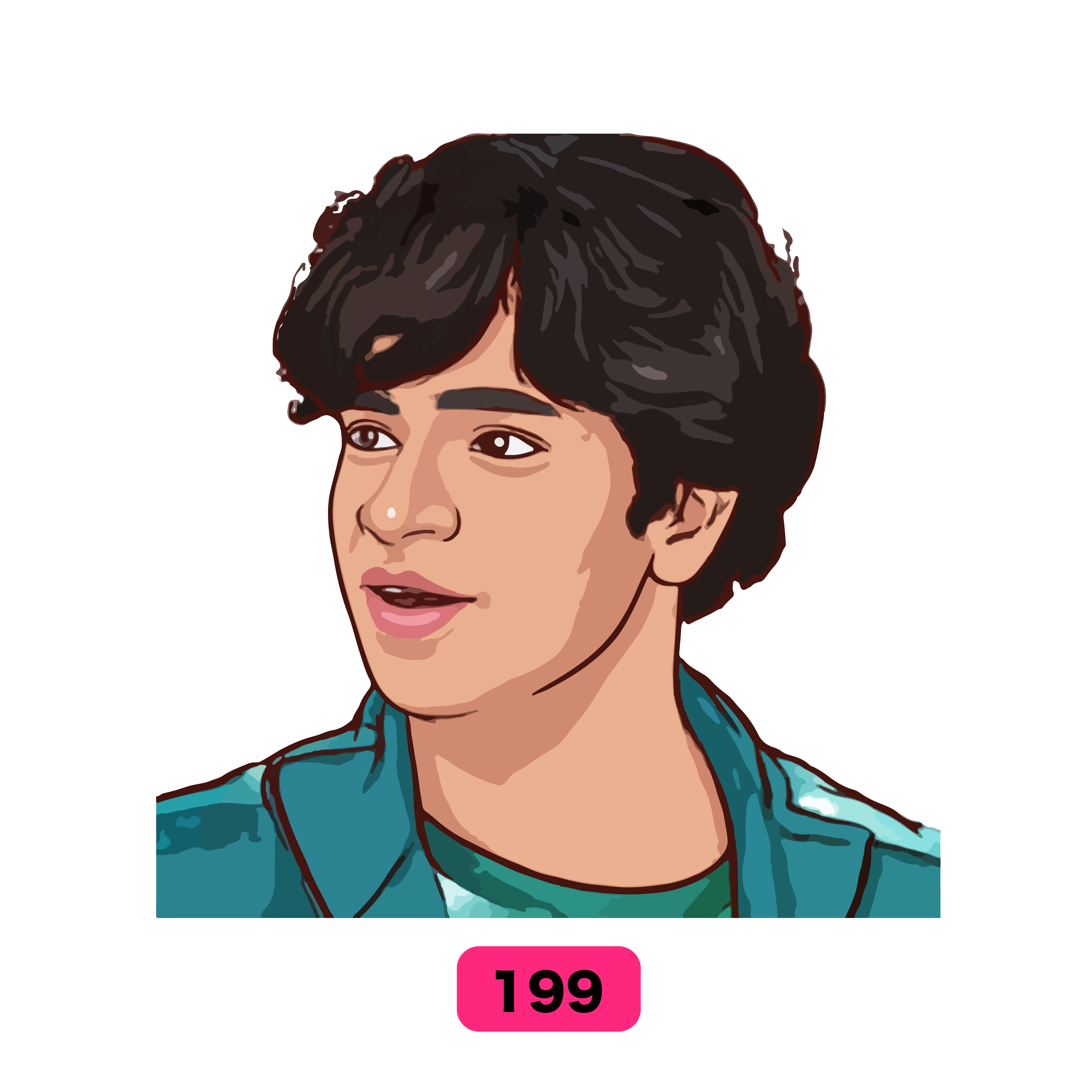
Many apps/websites use objects
to store data on each user
HOW TO WRITE OBJECTS
{ }
Common ways of creating objects
				const person0 = {};
				const person1 = new Object();
				const person2 = {

				};
Declare a variable with an empty object, then add in the properties
Common ways of creating objects
				const person0 = {};
				const person1 = new Object();
				const person2 = {

				};
Declare a variable with the keywords new Object(), then add in the properties
Common ways of creating objects
				const person0 = {};
				const person1 = new Object();
				const person2 = {

				};
Declare a variable with an object filled with the properties
BASIC WAY
						const person = {
							firstName: "John",
							lastName: "Doe",
							age: 50,
							eyeColor: "blue",
							favoriteFood: ["Sushi", "Avacado Toast"],
							sing : function(){
								console.log("It puts the lime in the coconut...")
							},
							driver: false

							}
Make sure that your object is wrapped in the
curly brackets { }
BASIC WAY
						const person = {
							firstName: "John",
							lastName: "Doe",
							age: 50,
							eyeColor: "blue",
							favoriteFood: ["Sushi", "Avacado Toast"],
							sing : function(){
								console.log("It puts the lime in the coconut...")
							},
							driver: false

						  }
While using this version, make sure each declaration ends with a comma,
except the last one
Dot Notation
						const person = new Object();

						person.firstName = "John";
						person.lastName = "Doe";
						person.age =  50;
						person.eyeColor = "blue";
						person.favoriteFood = ["Sushi", "Avacado Toast"];
						person.sing = function(){
								console.log("It puts the lime in the coconut...")
							};
						person.driver = false;
objectName.PropertyName = Value
Square Brackets
						const person = {};

						person['firstName'] = "John";
						person['lastName'] = "Doe";
						person['age'] = 50;
						person['eyeColor'] = "blue";
						person['favoriteFood'] = ["Sushi", "Avacado Toast"];
						person['sing'] = function(){
								console.log("It puts the lime in the coconut...")
							};
						person['driver'] = false;
objectName['PropertyName'] = Value
Rules of making keys
An object property name can be any valid JavaScript string, or anything that can be converted to a string
Use square brackets when dealing with keys with spaces or dashes
					  person['first name'] = "John";
					  person['last-name'] = "Doe";
*Not recommended to have spaces or dashes just like variables, but they do sometimes end up happening.
Mostly anything else is dot notaion
					person.firstName = "John";
					person.lastName = "Doe";
How to call a value..
									const player = {
									number: 456
									['Marital Status']: 'Divorced',
									Birthday: 'October 31, 1974',
									Job: 'Indebted chauffeur',
									contestant: true,
									family: {
												daughter: 'Seong Ga-yeong'
									  }
									favoriteFood:["Dalgona Candy", "Tea"]

								  }
									player.number


					player['Marital Status']


					player.contestant


					player.favoriteFood[0]


					player.family.daughter
Methods are functions inside of an object
								const pikachu = {
									Species: 'Mouse',
									Weakness: 'Ground',
									Ability: 'Static',
									Height: '40 centimetres (1ft 4in)',
									Attack: function(){
										return 'Thunder Shock'
									}
								}
To activate a method would be
pikachu.Attack()
use the word delete
const Employee = {
							firstname: 'John',
							lastname: 'Doe'
						  };

						  delete Employee.firstname;
delete obejct.propertyName
Looping through objects
Looping through Arrays
FOR OF STATEMENT
				const array1 = ['a', 'b', 'c'];

				for (const element of array1) {
					console.log(element);
				}

				// Returns
				//  "a"
				//  "b"
				//  "c"
Array uses
for…of
Object uses
for…in
FOR IN STATEMENT
				for (const variable in object) {
					statement
					}
FOR IN STATEMENT
				for (const variable in object) {
					statement
					}

				for (const property in object) {
				console.log(`${property}: ${object[property]}`);
				}
Let's go back to the pikachu example
								  const pikachu = {
									  Species: 'Mouse',
									  Weakness: 'Ground',
									  Ability: 'Static',
									  Height: '40 centimetres (1ft 4in)',
									  Attack: function(){
										  return 'Thunder Shock'
									  }
								  }
LOOPING THROUGH PIKACHU'S OBJECT
	for (const items in pikachu) {
		console.log(items);
		//RETURNS THE PROPERTY NAME
		console.log(pikachu[items])
		//RETURNS THE PROPERTY VALUE
	  }
items is a placeholder for each property that is passed through
	for (const items in pikachu) {
		console.log(items);
		//RETURNS THE PROPERTY NAME
		console.log(pikachu[items])
		//RETURNS THE PROPERTY VALUE
	  }
it doesn't have to be called items, it's just a variable dummy name, like oompa
	for (const oompa in pikachu) {
		console.log(oompa);
		//RETURNS THE PROPERTY NAME
		console.log(pikachu[oompa])
		//RETURNS THE PROPERTY VALUE
	  }
when you console log "items" it brings back the property name
	for (const items in pikachu) {
		console.log(items);
		//RETURNS THE PROPERTY NAME
		console.log(pikachu[items])
		//RETURNS THE PROPERTY VALUE
	  }
when you console log "pikachu[items]" it brings back the value
	for (const items in pikachu) {
		console.log(items);
		//RETURNS THE PROPERTY NAME
		console.log(pikachu[items])
		//RETURNS THE PROPERTY VALUE
	  }
The for in loops uses square brackets when handling values
	for (const items in pikachu) {
		console.log(items);
		//RETURNS THE PROPERTY NAME
		console.log(pikachu[items])
		//RETURNS THE PROPERTY VALUE
	  }
Keep exploring
- Object.keys()
returns an array of an objetc's property names - Object.values()
returns an array of an objetc's property values - Object.entries()
returns an array of an object's string-keyed property [key, value] pairs.